Yakry official store: back up with the ground behind you on screen
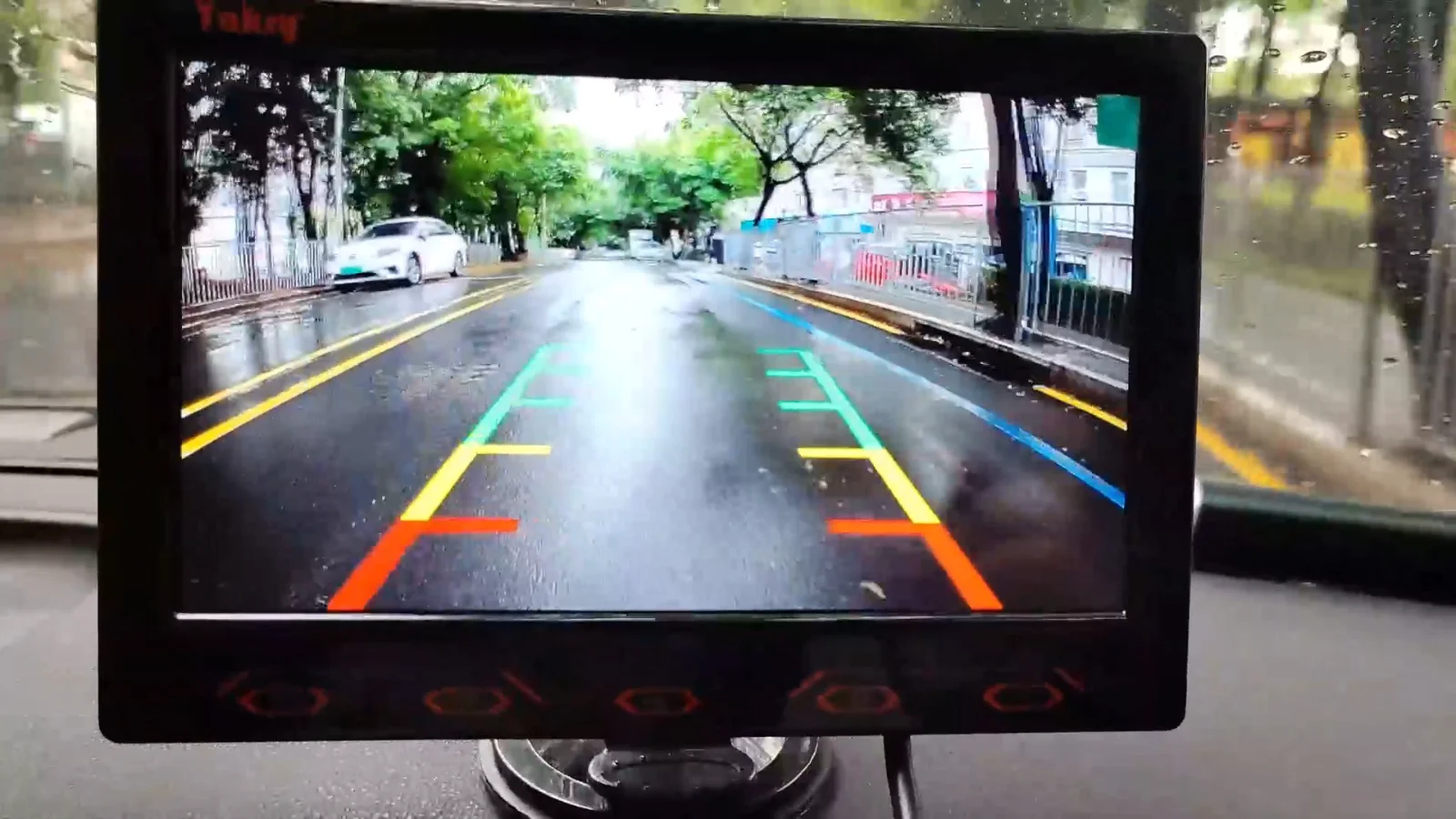
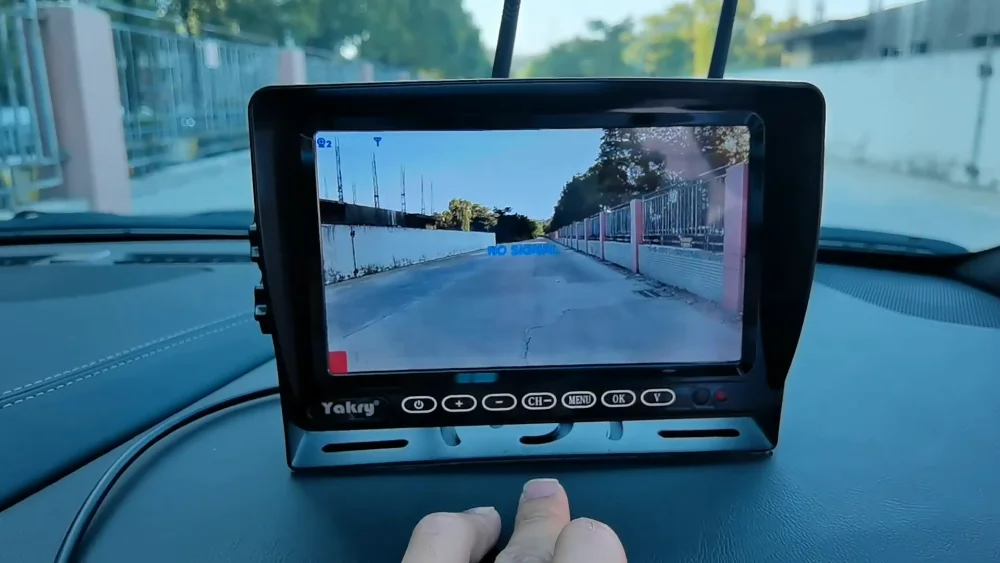
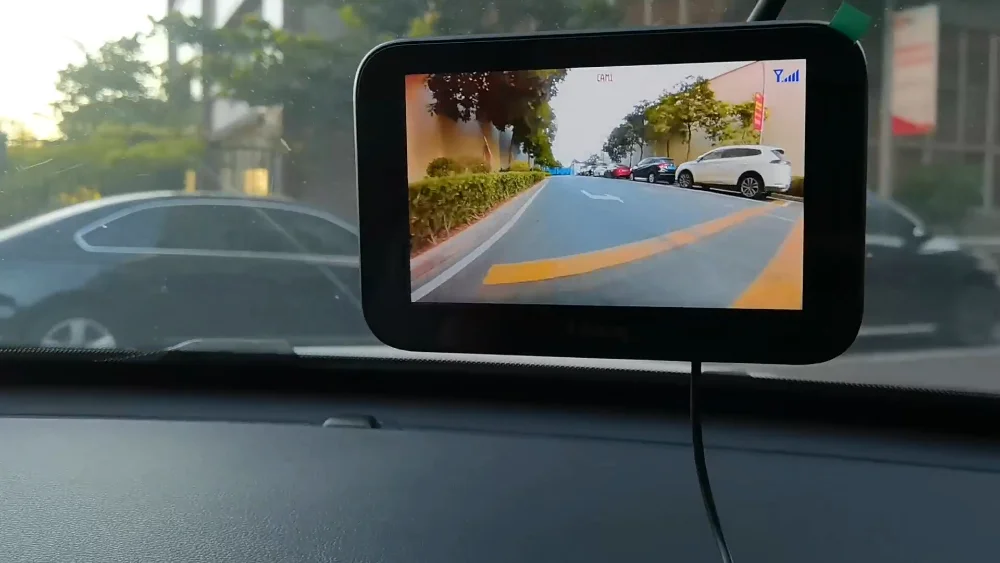
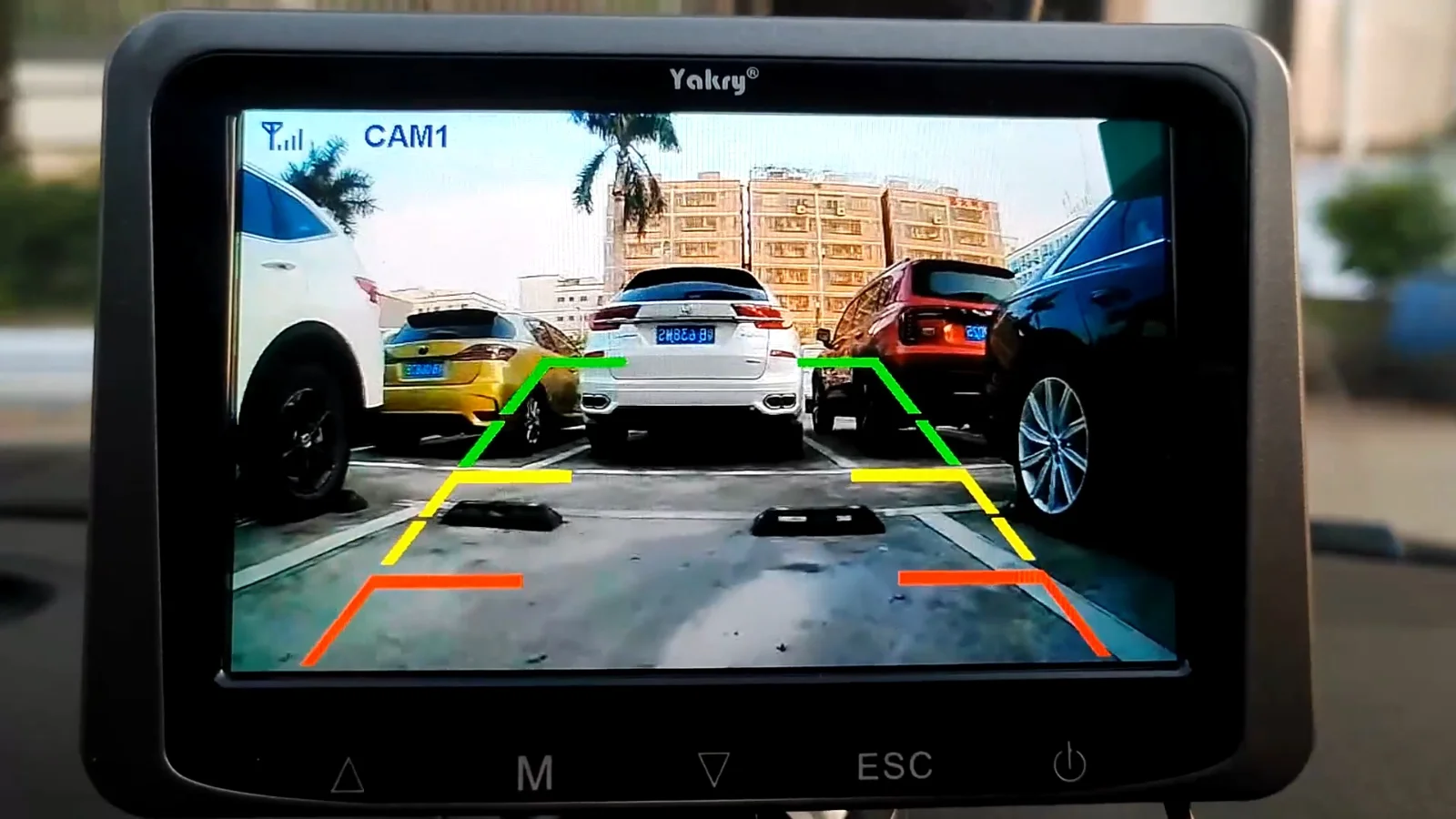
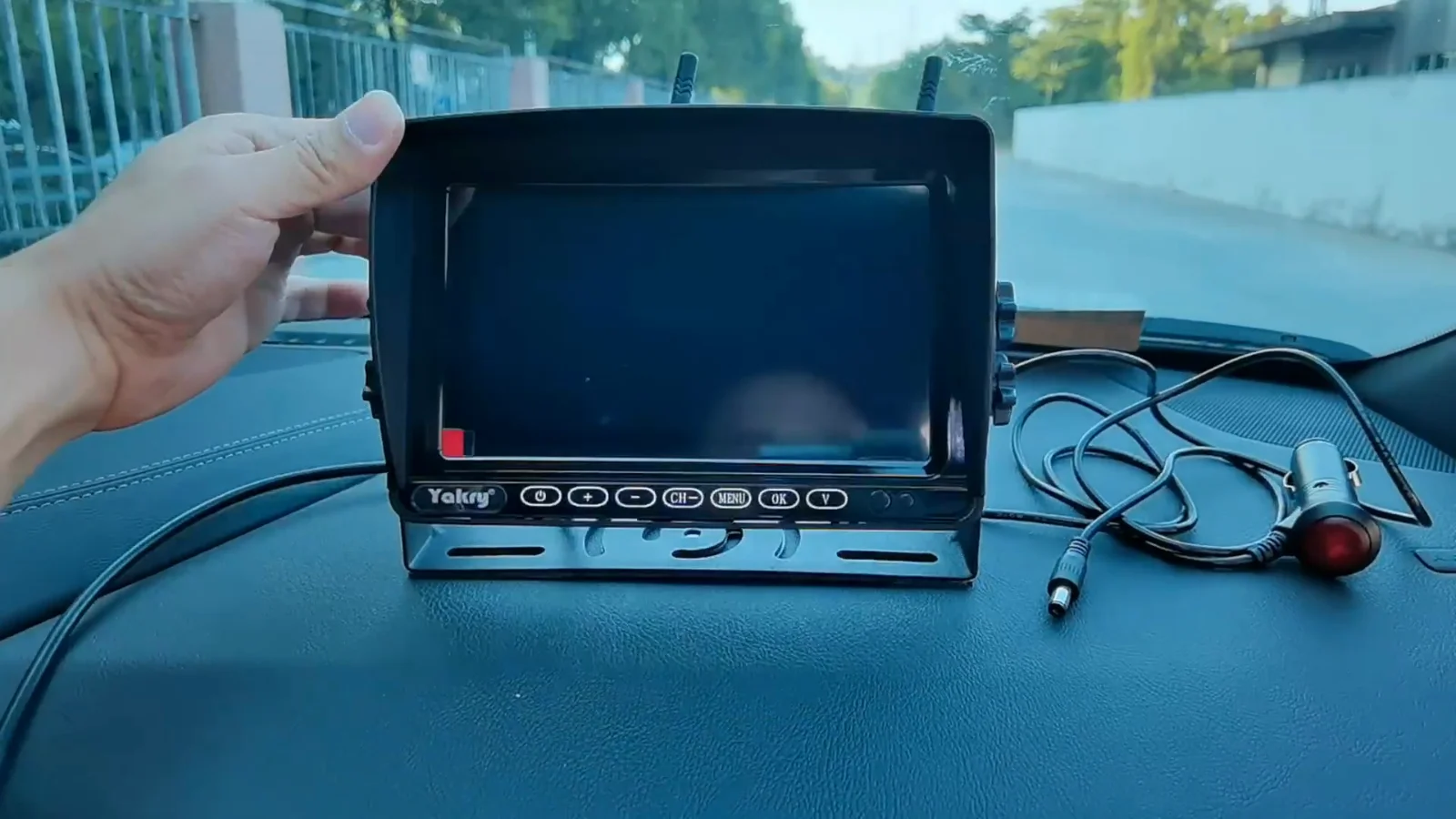
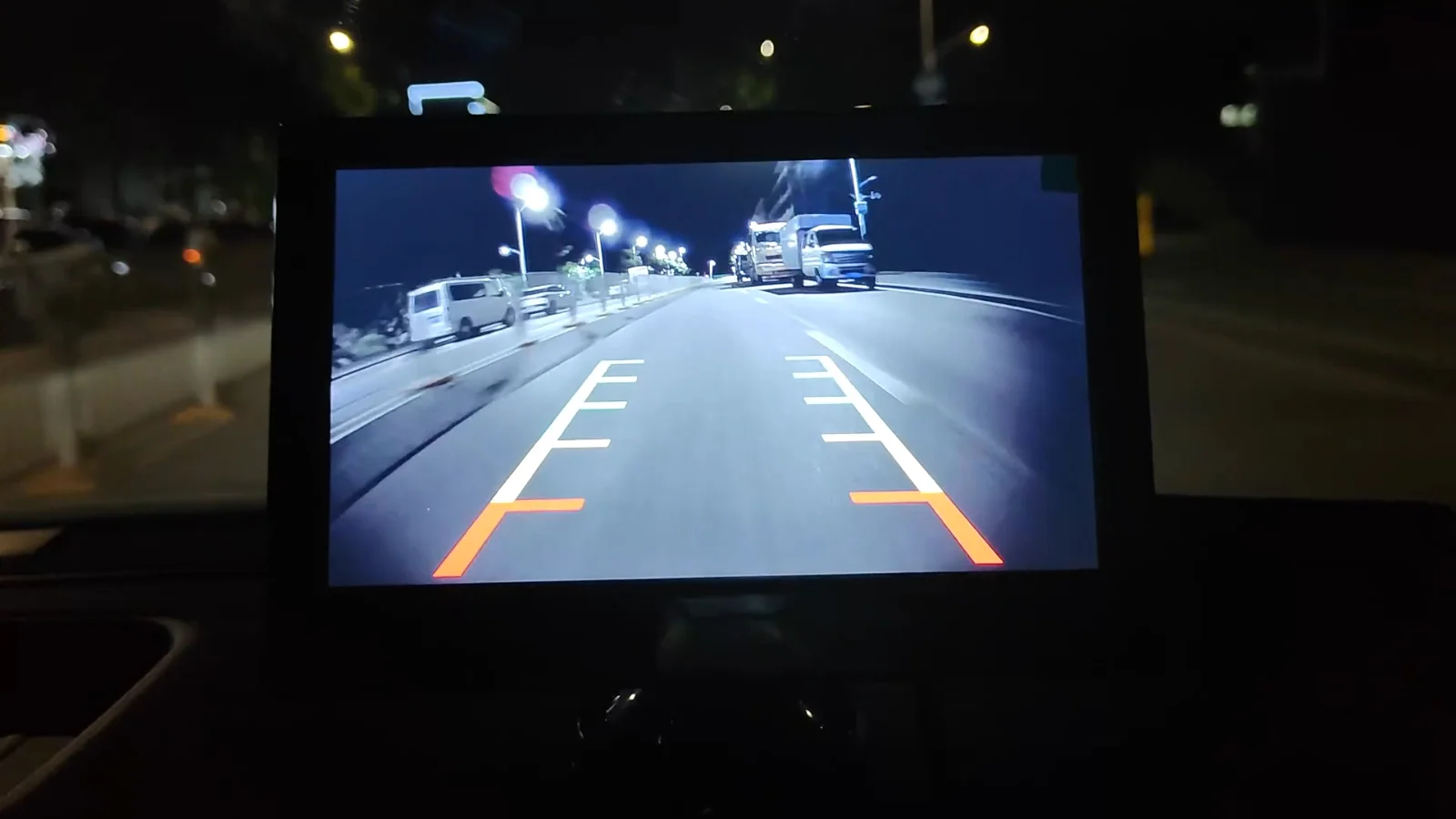
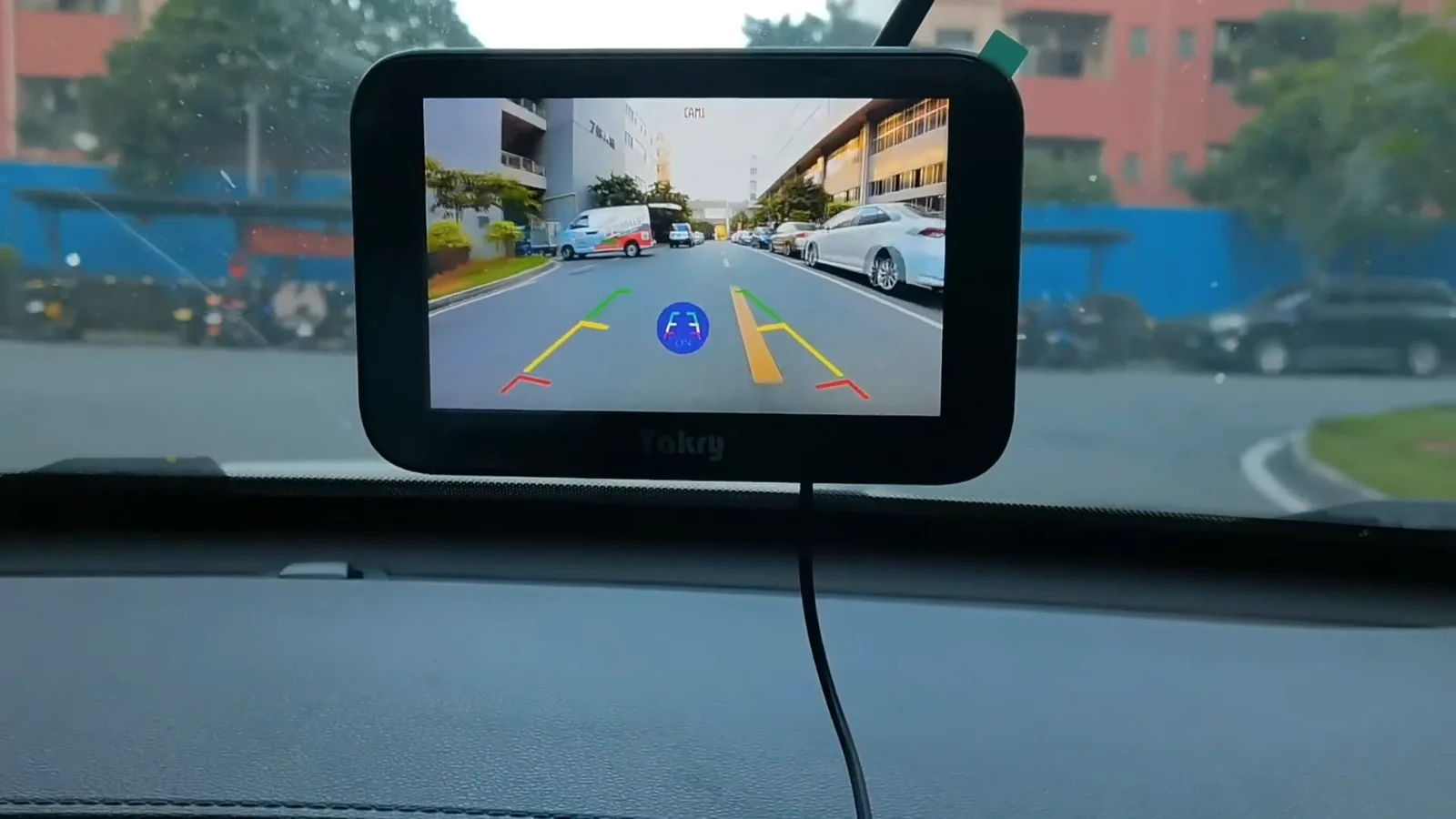
Reversing is the one thing you do without a view. A Yakry kit gives you one: a lens at the plate or above the rear window, a monitor where your eyes already go, and either a wire you run once or a radio link that saves you the run. The whole live range is below, with the screen size, the weather rating and the price against every piece.
Everything else (screen size, one camera or two, plate or roofline) is a detail after this one. Here is the trade in plain terms, and the wiring behind each.
A wire you run once
One thin cable goes from the camera to the monitor, usually under the door sill trim. After that the picture cannot drop out, because there is nothing between the two ends to drop. You pay for it in an afternoon on your back in the footwell, and on a car that is the whole cost.
A transmitter at the back, a receiver in the monitor, and nothing to thread through the bulkhead. The camera still needs power at the rear, which is the reversing light you were going to touch anyway. What the link has to cross is your vehicle: thirty feet of pickup is short work, forty feet of loaded trailer is not.
An unlicensed 2.4 GHz link has no protected right to its frequency. The federal rule it works under says it has to accept interference from anything else on the band, and a steel body counts as a wall in the way.
Start here
What are you backing up?
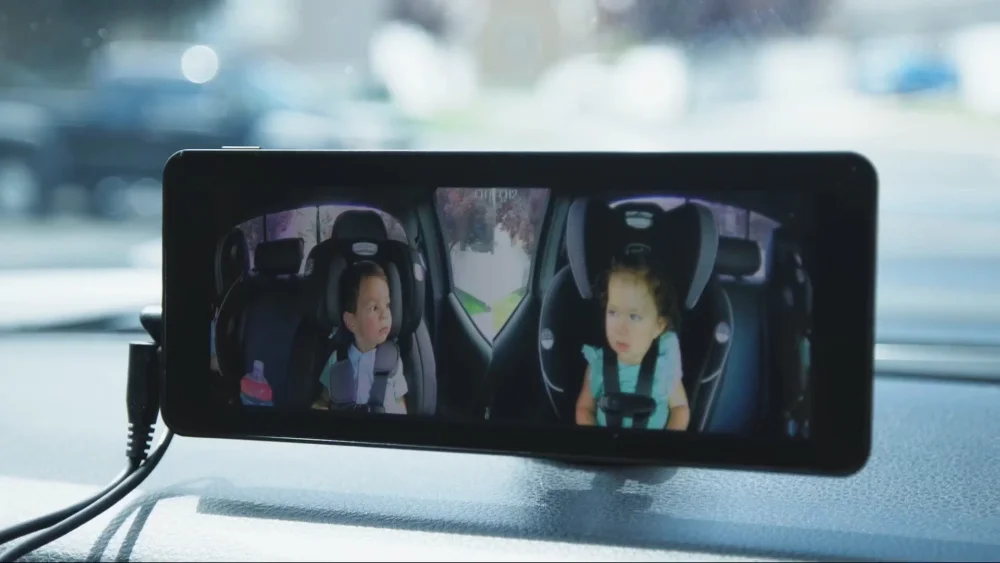
The vehicle sets the run. A child seat sits a couple of feet behind your head and ships with a 16.5 ft lead; a pickup bed is the length of the truck; a fifth wheel puts a loaded trailer between the lens and the screen, and that wall is what a radio link has to cross. Pick yours and the range narrows to the kits built for that distance.
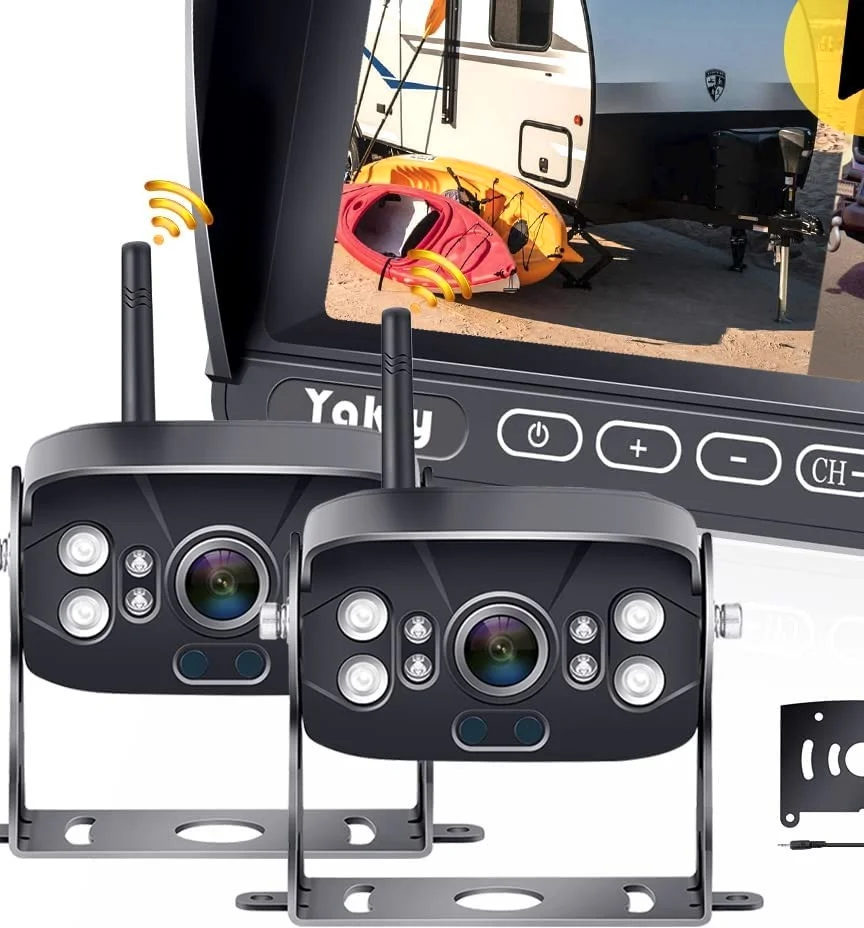
Four systems that cover most driveways: a seven-inch pair for a rig, the same screen wired for a truck, a five-inch radio kit for a car, and the camera that watches a child seat.
Screen, how the picture travels, how many cameras the monitor takes, what the case survives and what it records. Sort on a column by clicking its head.
Figures come from our own product data. A range measured across an open yard is not the same distance through an aluminum trailer.
The shelves
Where the Yakry range lives
Seven shelves. The first four are cameras: for a car, for a rig, for a child seat, for a feeding bowl. The last three hold the scanners, the purifiers and the cables, brackets and add-on cameras that pair by code.
Everything below sits in the Yakry selection, and a shelf is the fastest way in when you already know what you are looking at.
Four things decide whether a kit suits your vehicle: the numbers it carries, the wiring it expects, the code it pairs with and where it stops working.
These four hold for every piece the Yakry test puts on a card, from a ten-dollar plug to a system for a fifth wheel.
01
The full specification, or no row at all
Screen, resolution, cable length, weather rating, how many cameras a monitor takes. Where we do not hold a figure, the table has no row for it rather than a blank to fill in.
02
The fitting written out
Which wire goes where, what the pig tail plug on a Furrion-wired rig replaces, and how long a run takes on a sedan against a fifth wheel.
03
Compatibility by code
Cameras, brackets and cables carry the code of the monitor they pair with, because that code on the back of your screen is the whole compatibility question.
04
The limits named
Where a radio link has to cross a loaded trailer, where a monitor wakes only in reverse, where a bracket fits one screen and not the next.
Asked for by name
The Yakry pages people search for
Each of these is a question people type in full, and each one has a page behind it with the pieces that answer it.
The radio kits are what people mean when they say they do not want to take the door trim off. The camera still needs power at the back of the vehicle, which is the reversing light or its own battery, but nothing runs forward through the cabin. This page holds every one of them in one place, with the monitor size and the case rating beside each, and it is the right page to start on if the cable run is the part of the job you were dreading.
A pickup is the vehicle this catalog was shaped around. The bed hides the ground for six feet behind the tailgate, the hitch is somewhere below the line of the glass, and the person who would normally stand behind you is the one you are hitching the trailer for. These are the kits that answer that: a lens high enough to see the ball, a screen you can read at arm's length, and a link chosen for the length of the truck rather than for a car.
A rig turns the same job into a different one. The picture has to cross forty feet of aluminum and appliances, the person who would guide you is usually the one waiting at the site, and the thing you are lining up is a coupler you cannot see from the driver's seat. These kits are the ones built for that distance, and the page says plainly which of them drops onto a factory bracket and which needs a hole drilled.
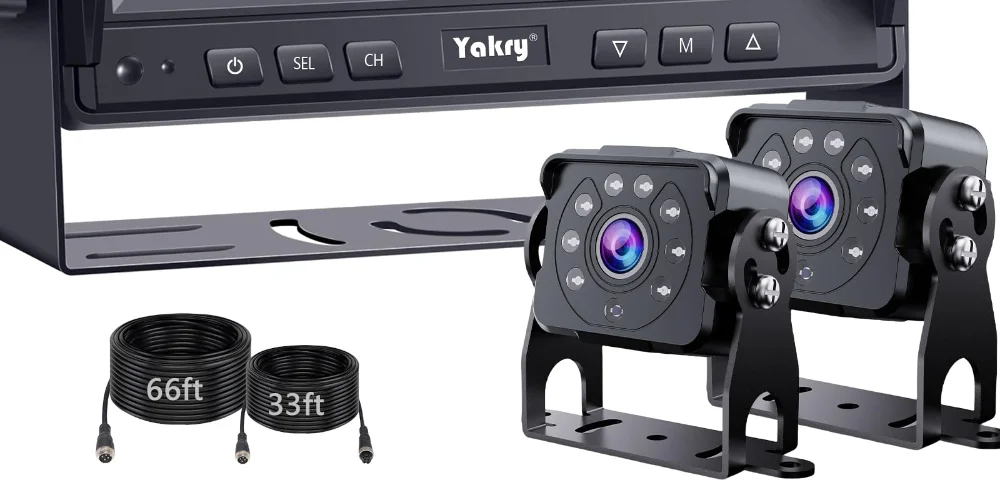
One camera answers reversing. A second answers everything else: the curb on a tight turn, the coupler while somebody hitches, the road behind a trailer on a long descent. These are the monitors that take both and put them on one screen, and the second camera pairs to the monitor by its code rather than needing a monitor of its own.
Two reasons bring people here. Either something at the back of the vehicle has stopped working (a lens gone cloudy after four winters, a cable caught in a tailgate) or the monitor on the dash takes two cameras and only one was ever fitted. Every camera on this page names the monitor code it pairs with, because that code is the whole of the compatibility question.
A dog eats twice a day whether or not the day went to plan. These towers hold between two and three weeks of dry food, drop a measured portion on a schedule and show you the bowl on a phone, which answers the question that actually keeps people up: did the portion fall, or is the bowl empty because the chute jammed.
Five minutes with a tape before a Yakry kit arrives
Most of the returns in this category come from three things nobody measured. Take these first and the kit that arrives is the one you meant.
Six checks, and none of them needs anything you do not already own. Take them and the box that arrives from the Yakry selection is the one you meant to order.
01
Measure the run, not the vehicle
Lay a tape where the cable will actually lie (over the sill, round the door pillar, through the grommet) and add a foot at each end. A pickup bed eats more cable than its length suggests.
02
Decide where your eyes already go
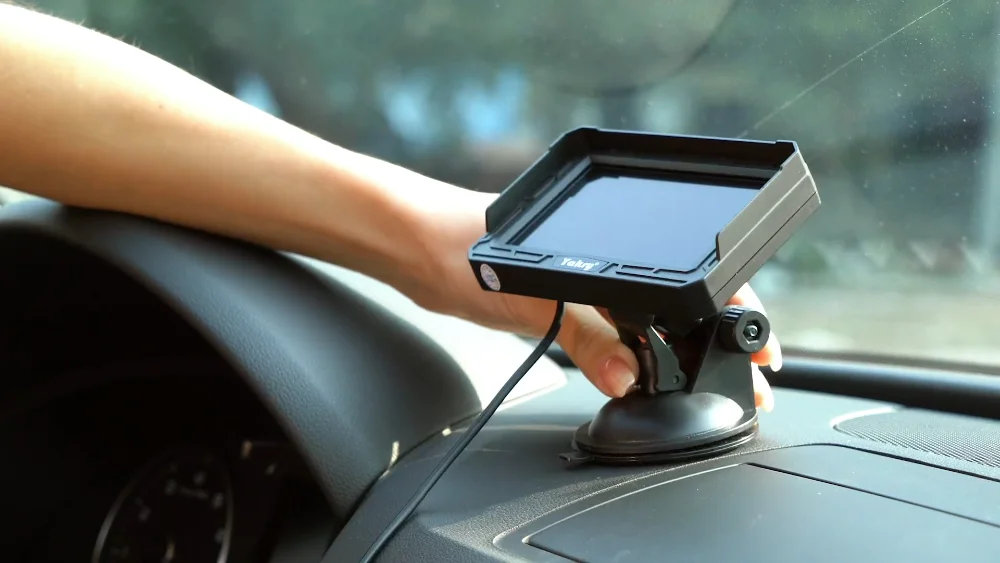
A 4.3-inch screen sits low on the dash without crowding the glass. Seven inches is what you want when the picture has to be read while you line up a hitch.
03
Find the code on your monitor
If a screen is already fitted, the code on its back (Y27, Y13, Y142) decides which camera and which cable pair with it. Nothing else does.
04
Look at the back of the rig
A camper built after 2018 often carries a pre-wired bracket above the rear window with power already at it. If yours has one, the kit made for it needs no drilling at all.
05
Ask where the power comes from
A monitor fed from the reversing light wakes in reverse and sleeps the rest of the time. If you want the picture while towing, take one that runs from the 12V socket.
06
Count the cameras you will end up with
One at the tailgate answers reversing. A second on the curb side or on the trailer answers junctions, and a monitor that takes two is cheaper than a second system later.
About the brand
Yakry has been making rear-view kits since 2017
Yakry builds reversing kits and the parts that pair with them. What a code like Y16 or Y142 tells you about a system is on the brand page.
The catalog started with one seven-inch kit for campers, and it grew the way owners asked for it: a wireless pair when the run through a fifth wheel proved to be the hard part, a lens for a child seat when parents wrote in about mirrors, a bracket and a pig tail plug when rigs began arriving pre-wired from the factory.
What holds it together is the code on the back of a monitor. A Yakry system is a screen and the cameras, cables and brackets that pair with it, and every accessory page on this site names the codes it fits rather than leaving you to guess from a photograph.
Ask everyone at Yakry which camera pairs with the monitor you own, and the answer comes back as a code rather than a guess.
One cable you run once against a radio link you never have to thread through a bulkhead, and the four things that decide which of them suits your vehicle.
High on the back wall or down at the bumper, powered from the running lights or from its own battery, and the point at which a second camera stops being a luxury.
A picture that arrives late is worse than a small one. Here is where the delay is made (the sensor, the radio, the screen) and which of the three you can do something about.
Most campers built in the last few years leave the factory with a bracket, a sealed hole and power waiting behind a cover. Here is how to tell whether yours did.
Questions people ask
What buyers ask Yakry before they order
Six of them. Longer answers live on the shelf pages and in the install guides.
Where can you buy a Yakry backup camera?
Through the buying button on any page here. It opens our retail partner with the piece you were reading about, and the order, the payment and the delivery are theirs from that point on. The price you see on the card is the one we last updated. The checkout price is the one that counts.
Which Yakry camera fits your vehicle?
Start with what you are backing up. A car or a van takes a 4.3 or 5-inch kit and a short cable run. A pickup wants seven inches, because the picture is read at arm's length while a ball lines up under a coupler. A camper or a fifth wheel wants a system built for the distance, and if the rig came pre-wired, the kit made for that bracket.
Do you need to drill anything to fit a Yakry camera?
Usually not. A license plate camera bolts into the plate frame, a monitor sits on the glass on a suction mount, and power comes off the reversing light. Drilling starts when a camera mounts above a rear window on a rig: and even there, a factory bracket means a plug instead of a hole.
How long will a Yakry install take you?
An afternoon on a car, most of it spent on the cable run under the door sill trim. A wireless kit on a pickup is under an hour. A camper with a pre-wired bracket is twenty minutes, and one without is a morning, because the cable has to be routed inside the wall.
What does the code on your Yakry monitor mean?
It names the system. Y13, Y27, Y142, RX50: the code on the label tells you which camera, which cable and which mount pair with that screen, and every accessory page here lists the codes it fits. It is the whole compatibility question on this catalog.
Will a Yakry camera show you anything at night?
Every camera in the range has infrared illumination, which gives a monochrome picture in the dark at close range. It shows you the ground and the bumper. It does not turn night into day, and it cannot show what falls outside the lens.
A camera hands you a picture of the ground behind the vehicle. It does not brake, it does not warn, and it shows only what falls inside the lens: a toddler squatting against the bumper, a post below the frame, a cyclist coming in from the side are all outside it at the moment you need them. The federal rear-visibility rule exists because people are hit by reversing vehicles every year, and the agencies behind it still ask drivers to walk the vehicle, to look over the shoulder and to back up slowly with any camera fitted. Take everything on this site as an extra pair of eyes and nothing more.
Ready to fit one
Every screen size, every camera and every cable in the Yakry range sits behind this button, with the price beside it.