Home › Cables, brackets and add-on cameras › Yakry add-on camera
For a screen already on the dash
Yakry add-on camera
Cameras without a monitor, each one listed by the system it pairs with: a spare for a lens that has gone milky, or a second view for a monitor with an empty channel.
- 7pieces
- $29.99to $99.99
- 81ratings behind them
-
Add-on cameras
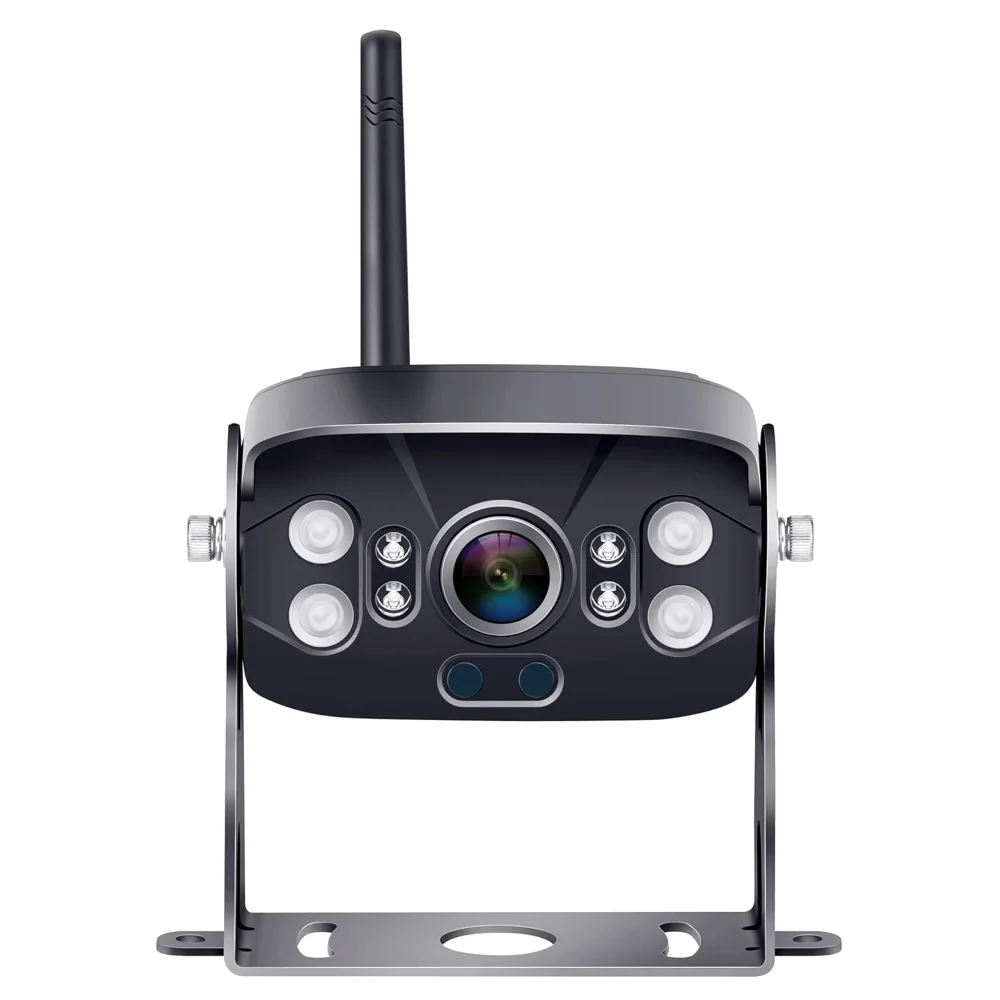
Yakry Add-on camera for Y83 monitors
- Fits Y83, Y27 and Y28
- IP69K case
- 1080p
4.2 · 57 ratings
$69.99
-
Add-on cameras
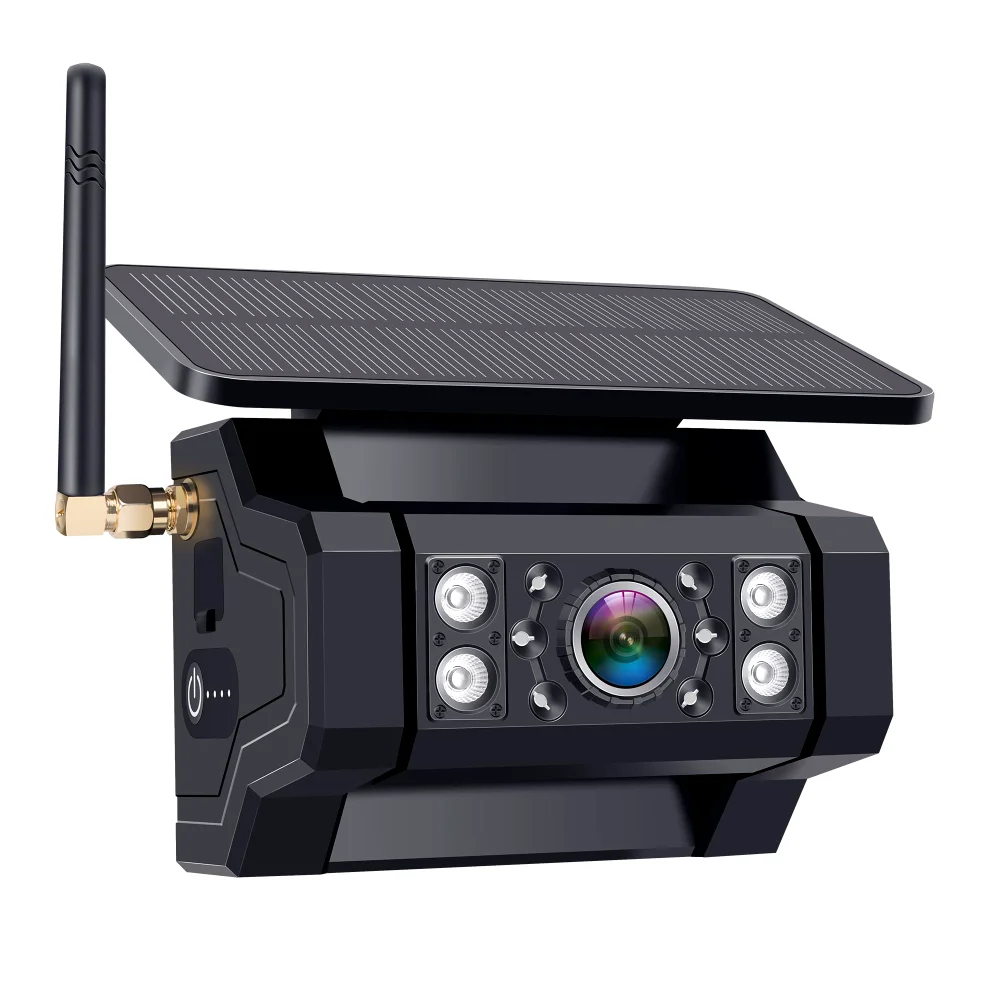
Yakry Add-on camera for Y02 monitors
- Fits Y02
- Camera only, no monitor
4 · 16 ratings
$51.99
-
Add-on cameras
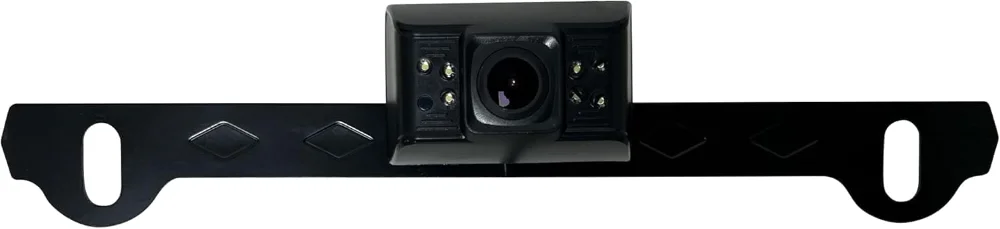
Yakry Y76 add-on camera for Y27 and Y28 monitors
- Fits Y27 and Y28
- Camera only, no monitor
2.6 · 5 ratings
$69.99
-
Add-on cameras
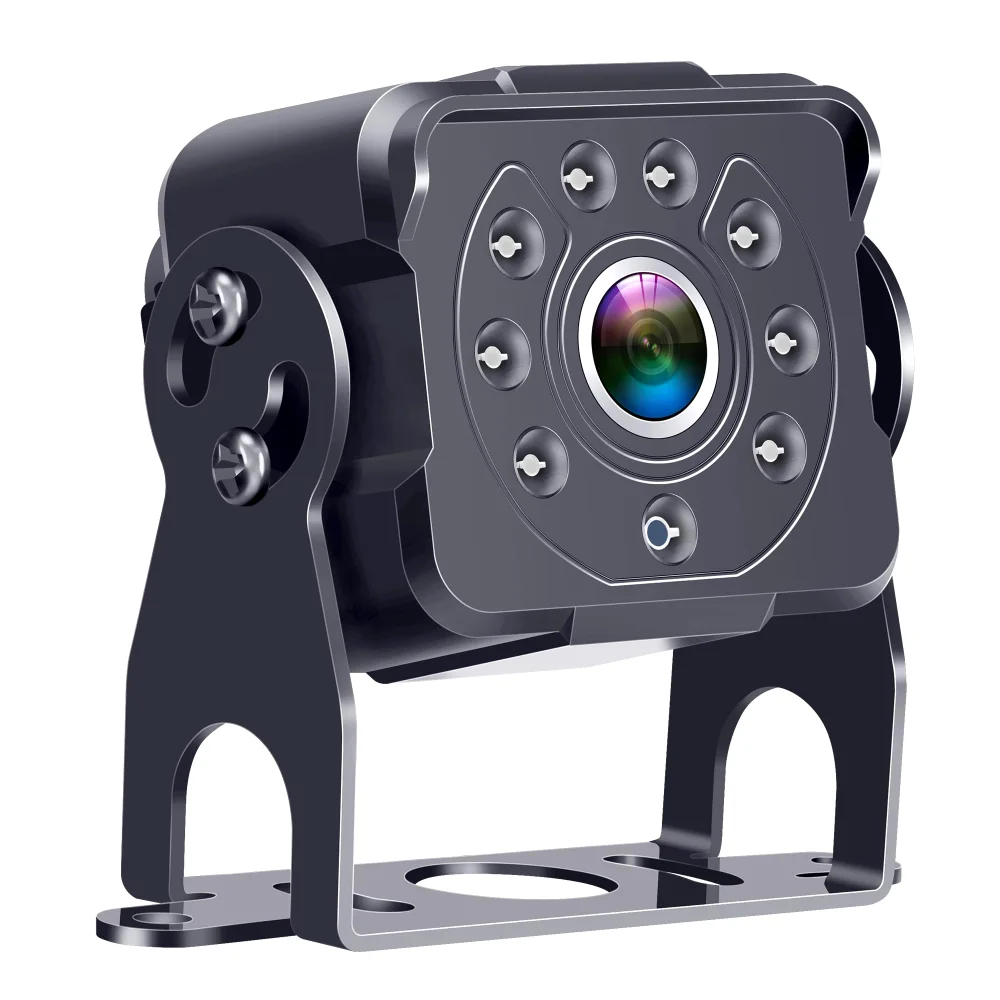
Yakry Y642 add-on camera for Y142 monitors
- 23 ft
- Fits Y142
- IP69K case
4.5 · 2 ratings
$45.99
-
Add-on cameras
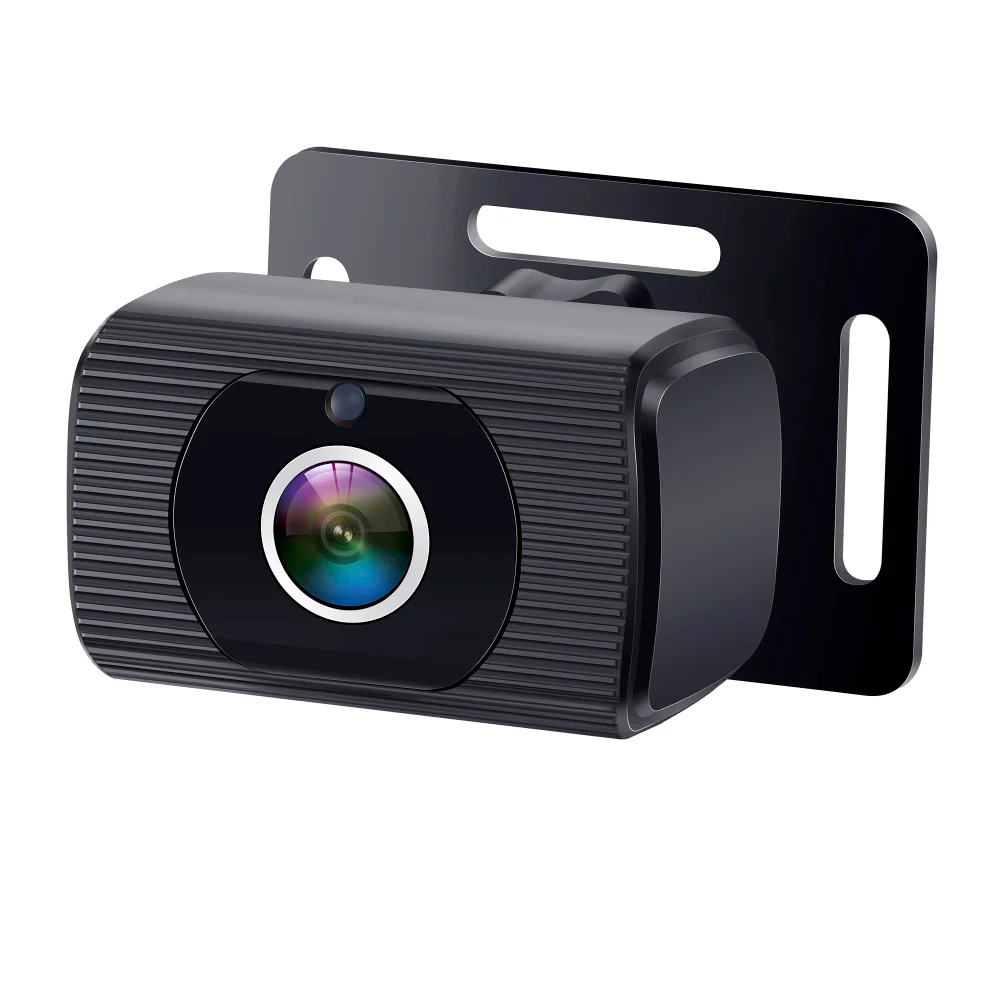
Yakry Y46 add-on camera for Y13 monitors
- Fits Y13
- Camera only, no monitor
5 · 1 ratings
$29.99
-
Add-on cameras
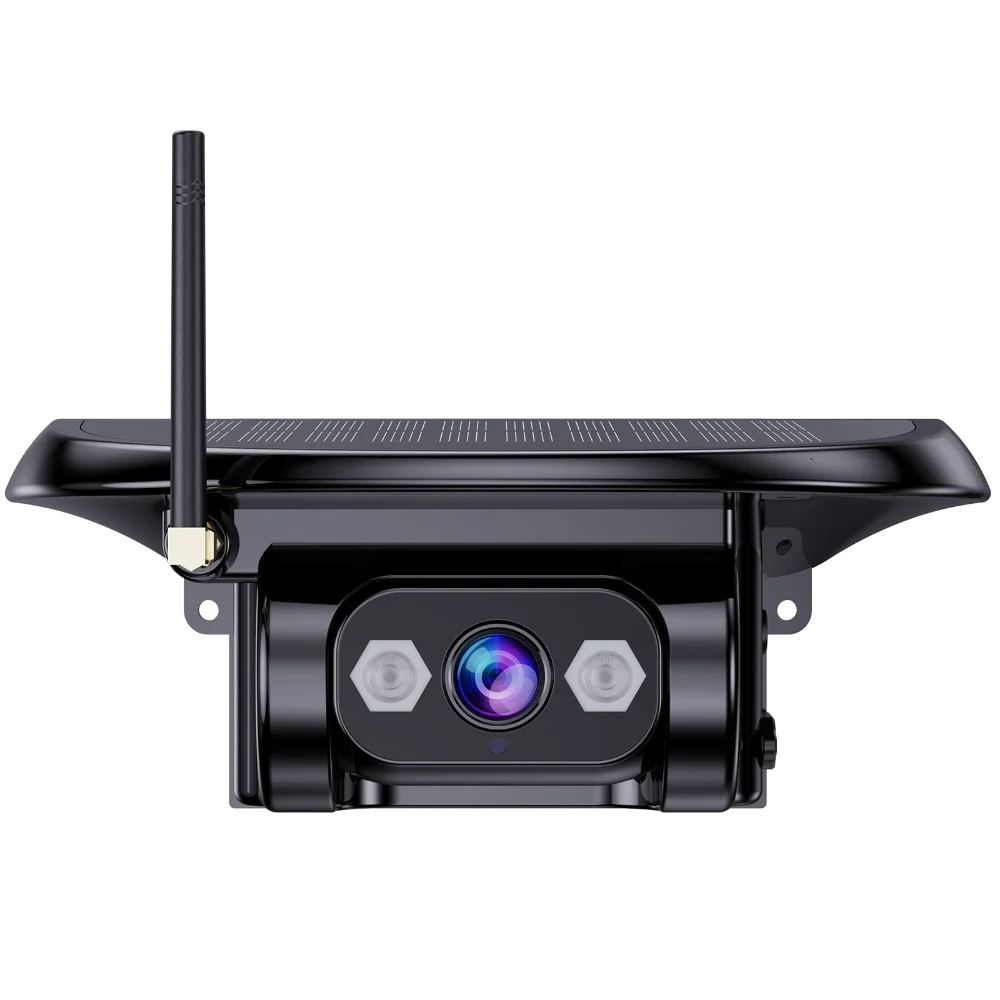
Yakry RV camera for Y33 monitors
- Fits Y33
- Infrared night vision
- 1080p
$99.99
-
Add-on cameras
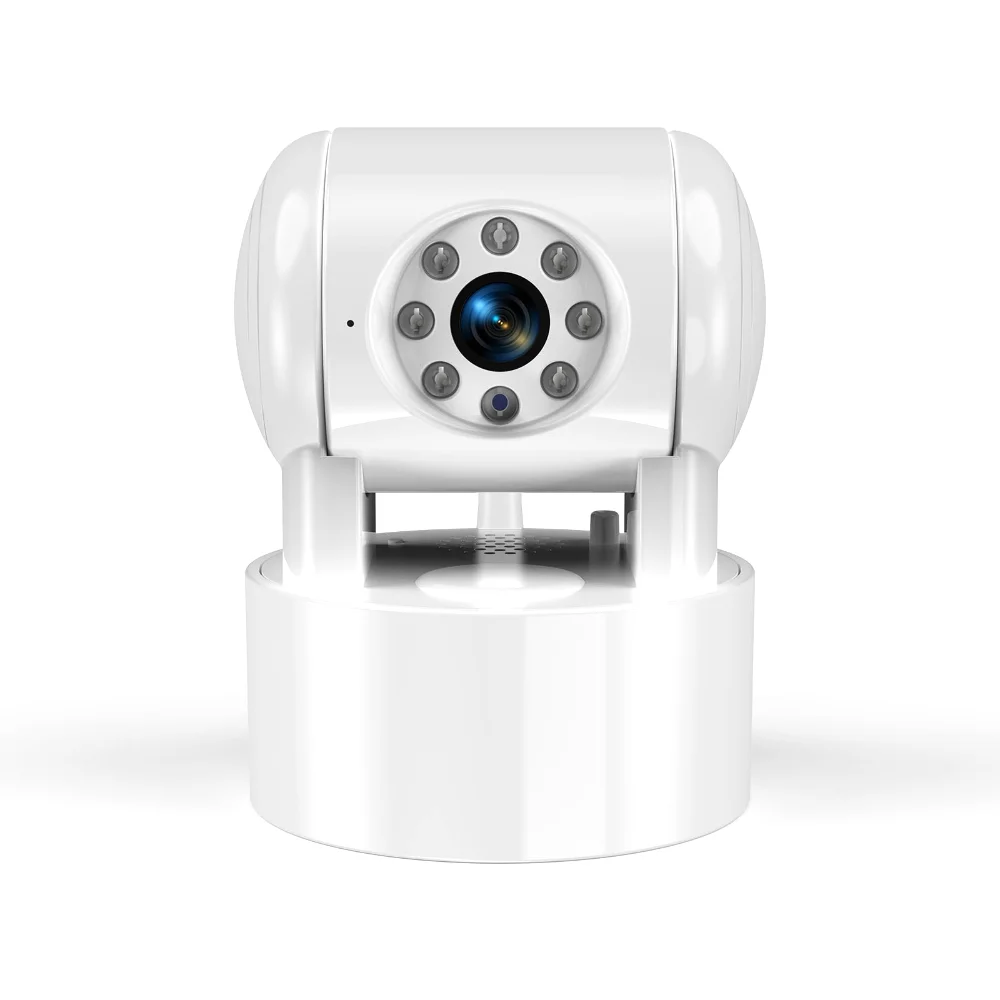
Yakry U50 add-on camera for RX50 monitors
- Fits RX50
- Infrared night vision
- 1080p
$79.99
Read the code off the back of your monitor before anything else. A Yakry camera pairs with the system it was built for on connector, voltage and video format, and none of those three is visible in a photograph. Y02, Y13, Y33, Y83, Y142, RX50: the code is printed on the label, and every camera here carries the codes it answers to.
The second reason is the more interesting one. A monitor with a spare channel turns a reversing camera into something you use while moving: a lens on the curb side of a van, at the top of a horse box, or at the back of a trailer. The picture you only had in reverse becomes a picture you have at a junction, and the cost is one camera rather than a whole system.
Side by side
Yakry systems on this page, side by side
| Piece | Video | Case | Night | Price |
|---|---|---|---|---|
| Yakry Add-on camera for Y83 monitors | 1080p | IP69K | — | $69.99 |
| Yakry Add-on camera for Y02 monitors | — | — | — | $51.99 |
| Yakry Y76 add-on camera for Y27 and Y28 monitors | — | — | — | $69.99 |
| Yakry Y642 add-on camera for Y142 monitors | 1080p | IP69K | — | $45.99 |
| Yakry Y46 add-on camera for Y13 monitors | — | — | — | $29.99 |
| Yakry RV camera for Y33 monitors | 1080p | — | Infrared | $99.99 |
| Yakry U50 add-on camera for RX50 monitors | 1080p | — | Infrared | $79.99 |
Questions people ask
What buyers ask about the Yakry add-on camera
Will any Yakry camera work with your Yakry monitor?
No. Each camera is built for a system: the connector, the voltage and the video format all have to match. The code on the back of the monitor tells you which camera fits, and every card here names the codes it pairs with.
How do you pair a new Yakry camera with a monitor?
On the wireless systems, a pairing button on the monitor and a few seconds with the camera powered. On the wired ones there is nothing to pair: the connector is the pairing.
What if you cannot find the code on your Yakry monitor?
Write to us with a photograph of the label on the back and what came in the box, and we will tell you which camera fits. It is a shorter conversation than a return.
Ready to fit one
Every screen size, every camera and every cable in the Yakry range sits behind this button, with the price beside it.